 Hello Translator
No Thai subtitles in your game?
We put them on screen for you.
The app reads the English subtitles in whatever you’re playing or watching and lays Thai subtitles over the picture, in time with the dialogue. No game mods, no subtitle files.
What is Hello Translator? A Windows and macOS app that reads the English subtitles of the game or movie on your screen and overlays a Thai translation in real time. It works with PS5, Nintendo Switch, Xbox and PC games without modifying the game.

From English text to Thai, inside the game’s own frame
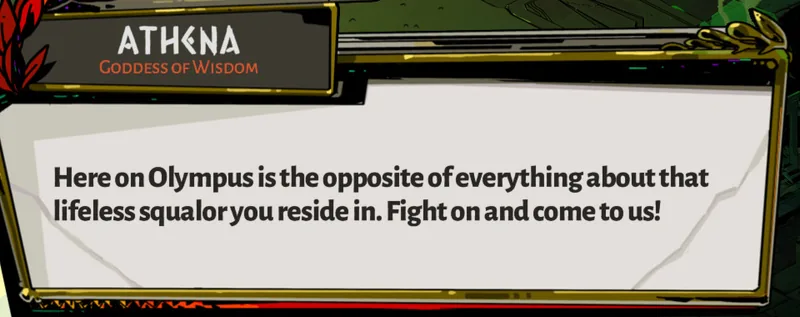
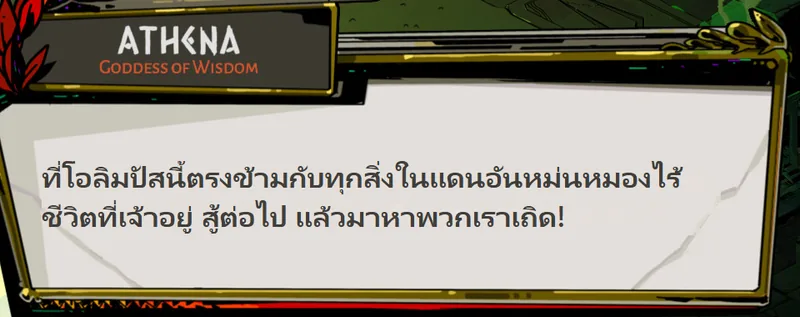
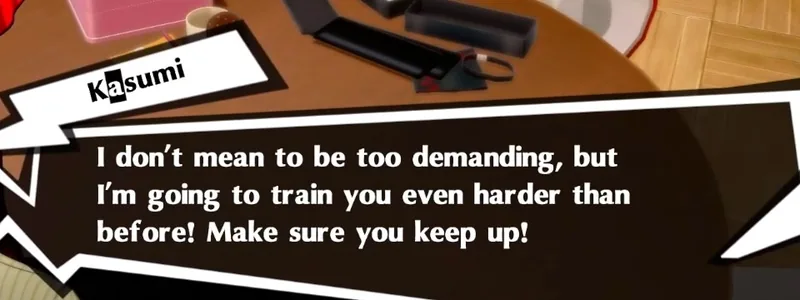
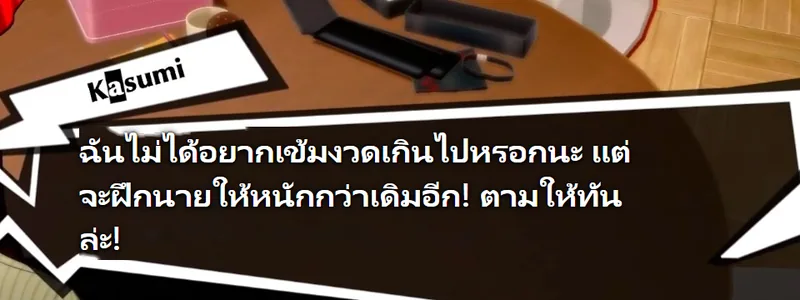
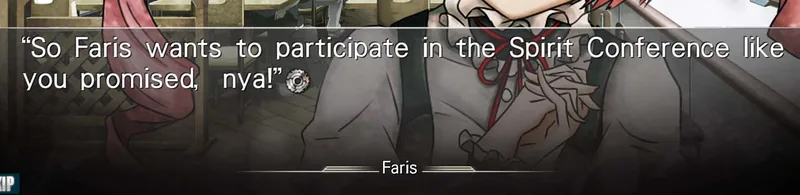
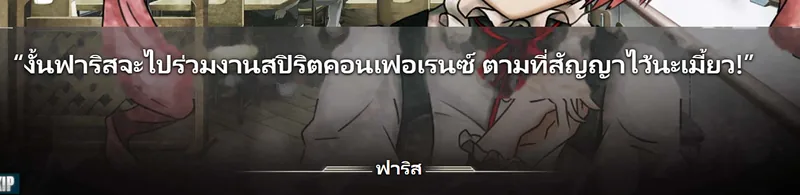
The original lettering is painted out and the translation is set into the game’s own text box. Character names stay consistent.
Works with any game that shows text on screen
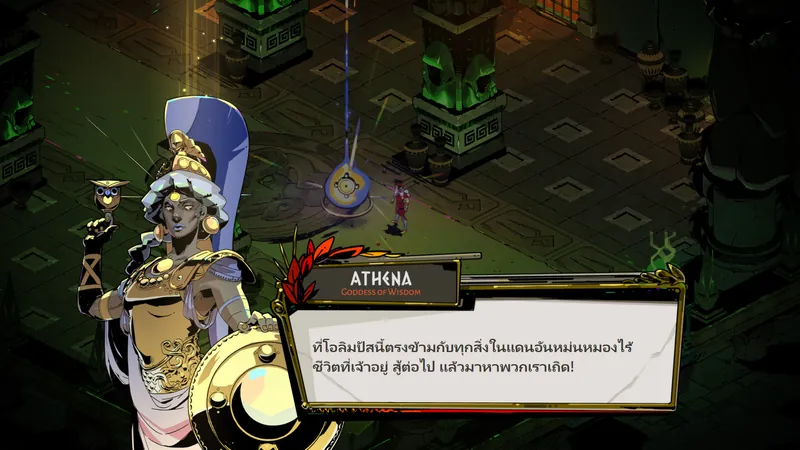
HadesAction 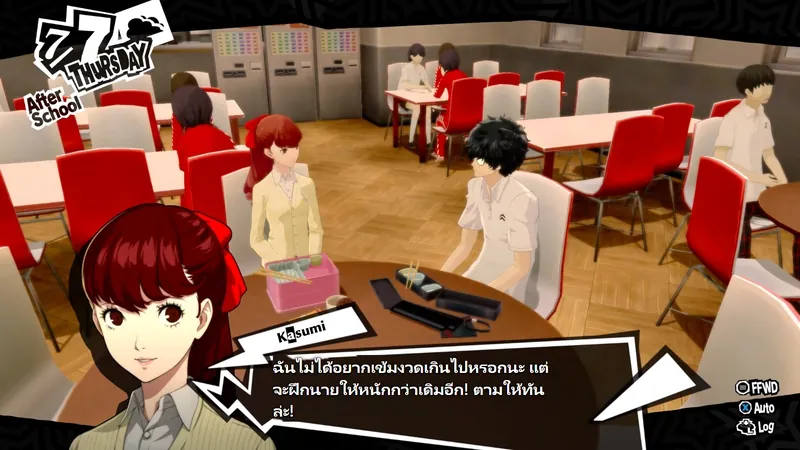
Persona 5 RoyalJRPG 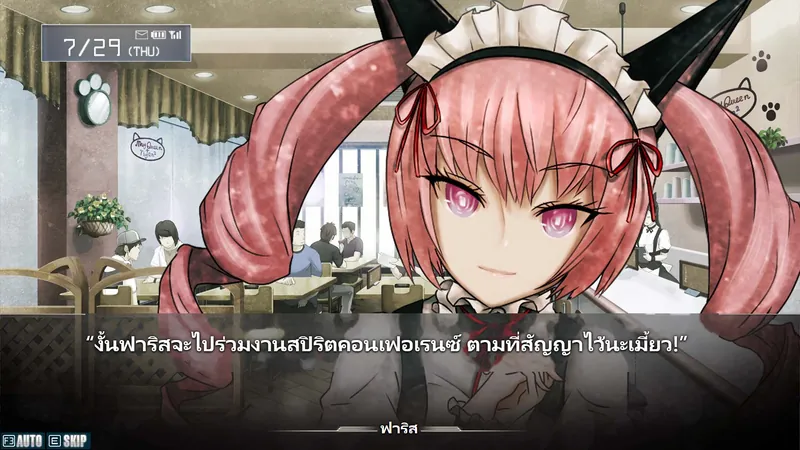
Steins;GateVisual novel 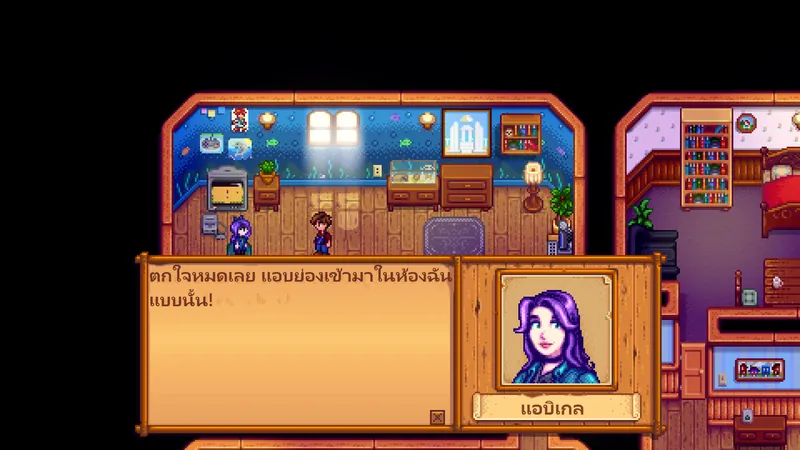
Stardew ValleyFarming sim 
Octopath TravelerRPG 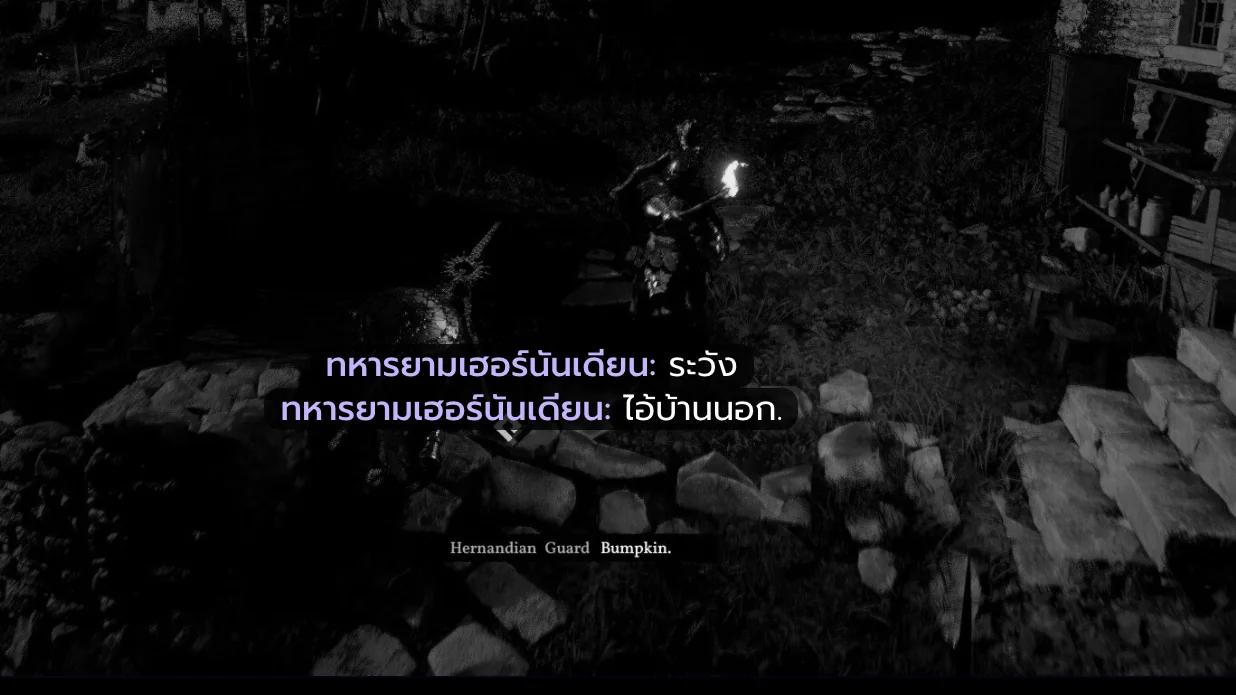
Crimson DesertOpen world
Game images shown for demonstration · Thai subtitles prepared in the style the app displays · rights belong to each game’s publisher
Set it up once, then just play
-
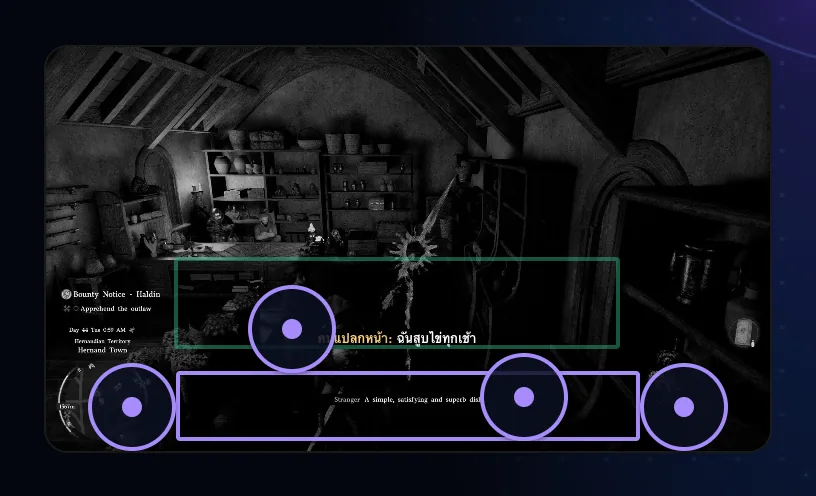
Box the subtitle area
Start from a preset and drag to fit. The app remembers it for each game.
-
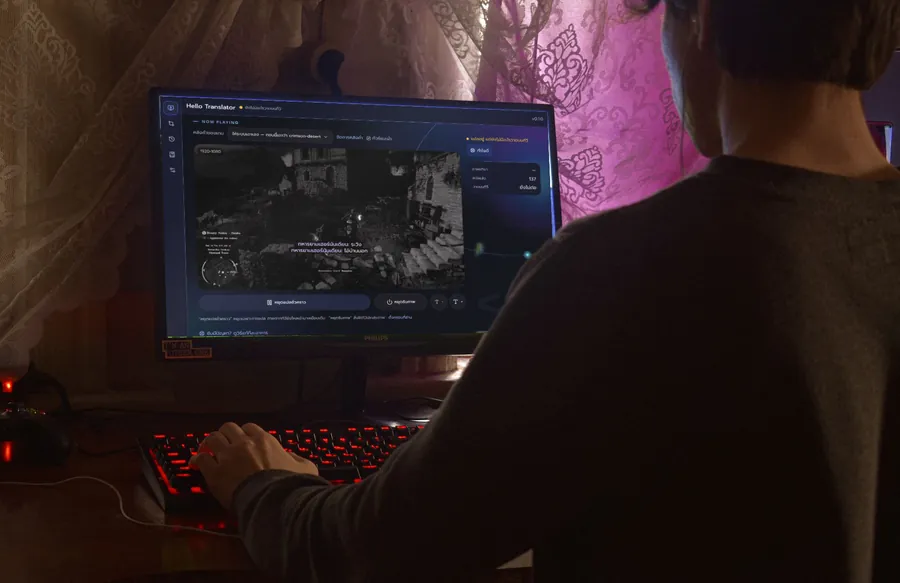
Play as usual, it translates
Translate on your computer, or pick an AI for smoother phrasing. Switch any time.
-

Missed a line? Scroll back
Every line is kept with the original and the speaker, searchable in Thai or English.
Capture card or not, you can play
- Capture card + Windows PCPS5 · Switch · Xbox over HDMI into the card, smooth with no lag
- On your computerPS5/Xbox Remote Play, PC games, or movies in the browser
- LG TVPlug the console into the TV as usual, Thai subtitles appear on the TV Works with LG webOS TVs in root mode · details on the download page
What else it does
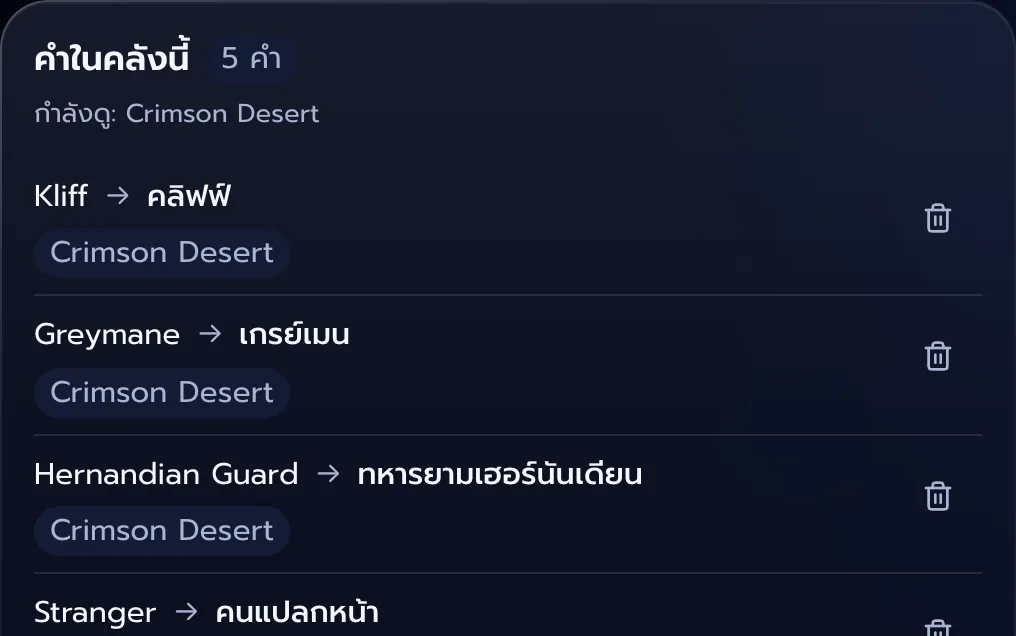
A glossary per game, so names stay consistent
Character names, places and special terms go to the translator with every line. Ready-made glossaries exist for many games; add or fix terms yourself, or let AI fill them in.
On-device or AI translation
On-device: the text stays on your computer, no API key needed.
AI: Gemini, GPT-5 nano, DeepSeek and Claude Haiku handle context and jokes better. Included in Premium and Pro · See plans
Control it from your phone
Scan the QR code in Settings, then pause, resize text or move the subtitles from your phone.
A shared cloud library that gets faster as people play
Lines someone already translated appear instantly. The app recognises which game you’re playing. Sharing your translations is your choice and can be turned off any time.
Make the subtitles look how you like
Font, size, background, position and how long lines stay on screen, set per game.
Questions?
Do I need to mod the game?
No. The app only reads the picture on screen. It never touches the game and installs nothing on the console.
Can I use it for free?
Yes. Download and start translating right away, get free coins every day, and try Pro free on your first sign-in · See plans
Help center & all questions · support@helloworld-solution.com